
Introduction
Being a freelance marketer is hard work. You handle many clients at once. You create content, manage social media, and meet tight deadlines.
No more forgetting deadlines. No more lost client emails. No more stress about what to do next.
In this blog, I’ll show you the best tools that make freelance marketing simple. These tools are easy to learn, don’t cost much money, and actually help you work better.
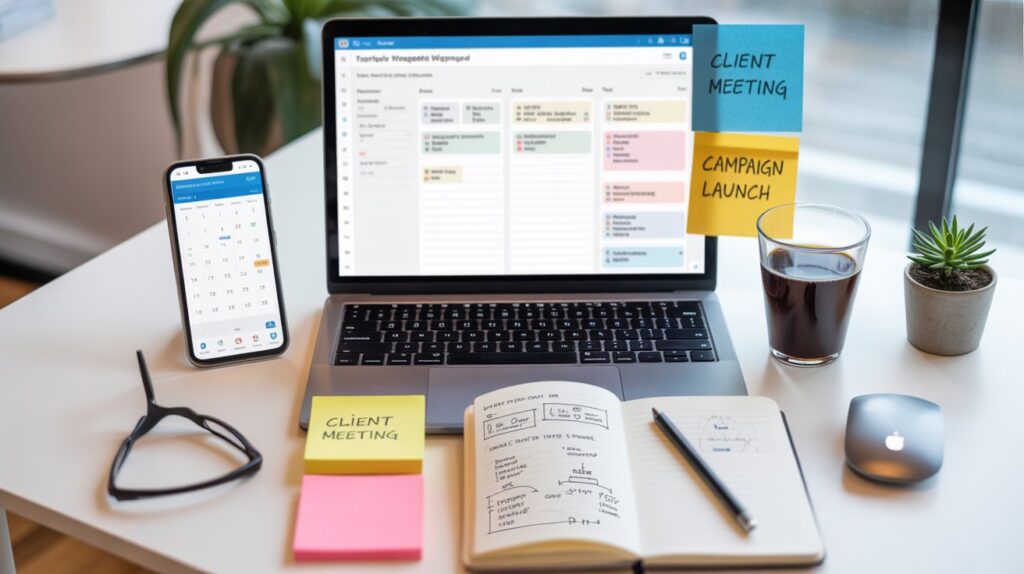
Why You Need These Tools
Think about your typical work day. You probably:
- Check emails from different clients
- Remember what tasks to do today
- Track deadlines on paper or in your head
- Switch between many apps and folders
This gets messy fast.
Project management tools fix this problem. Here’s how:
Everything in One Place All your tasks, files, and client information stay together. You don’t waste time searching for things.
Never Miss Deadlines The tool reminds you when something is due. You look professional and keep clients happy.
Work Faster When you’re organized, you finish work quicker. This means more time for new clients or personal life.
Look Professional Clients see you’re organized. They trust you more with their marketing projects.
The 7 Best Tools for Freelance Marketers
1. Trello
Good for: People who like visual organization
Trello is super easy to use. You create boards for each client or project. Inside each board, you add cards for tasks. Move cards around as you work on them.
What You Get:
- Simple drag and drop
- Add pictures and files to cards
- Set due dates
- Free version works great
Why marketers love it: Perfect for planning social media posts or content calendars. You see everything at once.
Cost: Free. The paid version is ₹420 per month if you need more features.
Example: Create a board called “Client ABC Social Media.” Add cards like “Write Monday post,” “Design graphics,” “Schedule posts.” Move them from “To Do” to “Done” as you finish.
2. Asana
Good for: Managing bigger projects
Asana is a bit more powerful than Trello. You can see your tasks as lists, boards, or calendars. Good when you have many things happening at once.
What You Get:
- Different ways to view tasks
- Set task order (do this before that)
- Share with team members
- Mobile app works well
Why marketers love it: Great for campaigns with many steps. You can see how everything connects.
Cost: Free for basic use. Premium is ₹920 per month.
Example: Plan a product launch campaign. Create tasks for email writing, social posts, blog articles, and graphics. See which tasks must finish before others can start.
3. Monday.com
Good for: People who want flexibility
Monday.com lets you design your own workspace. You decide how things look and work. It also does automatic tasks for you.
What You Get:
- Build your own workflow
- Automatic reminders and updates
- Track time spent on tasks
- Colorful and easy to understand
Why marketers love it: You can make it work exactly how you want. Set up automatic client updates.
Cost: should be ₹750 per month
Example: Set automatic reminders to send weekly reports to clients. The tool reminds you every Friday without you thinking about it.
4. ClickUp
Good for: Getting many features for free
ClickUp tries to replace all your other apps. It has project management, documents, time tracking, and goals all together.
What You Get:
- Many ways to view tasks
- Write documents inside the app
- Track work hours
- Set bigger goals
Why marketers love it: You don’t need five different apps. Everything is here. The free version is really good.
Cost: Free version has lots of features. Paid is ₹585 per month
Example: Create a client onboarding document, task list for their first campaign, and track hours spent—all in one place.
5. Notion
Good for: Creative organizers
Notion is like a digital notebook that does everything. Very flexible.
What You Get:
- Build any system you want
- Ready-made templates
- Store all your notes and files
- Works great for research
Why marketers love it: Keep client information, content ideas, brand guidelines, and project tasks together. Search finds anything instantly.
Cost: Free for one person. Paid is ₹670 per month
Example: Create a page for each client with their brand colors, passwords, content calendar, and meeting notes. Everything you need about them is one click away.
6. Todoist
Good for: Simple task lists
Todoist is the easiest tool on this list. If you just want a smart to-do list, this is perfect.
What You Get:
- Quick task creation
- Set priorities
- Organize by project
- Works on all devices
Why marketers love it: When you don’t need fancy features, just tasks. Perfect for solo freelancers starting out.
Cost: Free. Premium is ₹335 per month
Example: Morning routine: Check Todoist, see today’s tasks, tackle them one by one. Simple.
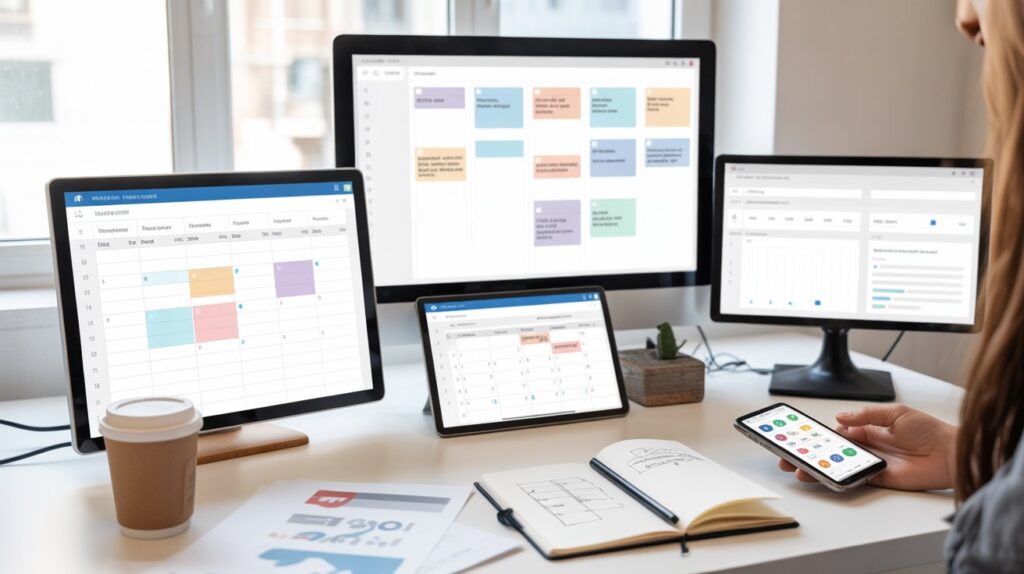
7. Google Keep + Google Calendar
Good for: Staying completely free
You probably already have Google. Use Google Keep for notes and task lists. Use Google Calendar for deadlines. Together, they work pretty well.
What You Get:
- Completely free
- Works with other Google tools
- Simple and familiar
- Color coding
Why marketers love it: Zero learning curve. You already know how to use it.
Cost: Free forever.
How to Pick Your Tool
Don’t stress about choosing. Here’s simple advice:
Try the Free Version First Every tool listed here has a free option. Use it for two weeks with real work. See what feels right.
Match Your Brain: Do you think in pictures? Try Trello. Like lists? Try Asana or Todoist. Want flexibility? Try Notion.
Start Small Don’t set up complicated systems on day one. Begin with basic task lists. Add more as you learn.
Check Your Phone Make sure the mobile app works well. You’ll use it more than you think.
Simple Tips to Stay Organized
Plan Your Week on Sunday Spend 15 minutes listing next week’s tasks. You’ll start Monday with clarity.
One Client, One Board/Project Keep client work separated. This prevents mixing up their tasks.
Review Friday Afternoon Look at what you finished. Plan what’s coming.
Don’t Overcomplicate The best system is the one you actually use. Simple beats are perfect.
Common Questions
Q: Which tool is easiest for beginners? Trello or Google Keep. They’re simple and you can learn them in 10 minutes.
Q: Do I need the paid version? Not at first. Free versions work fine for most freelancers. Upgrade later if needed.
Q: Can clients see my tasks? Only if you invite them. Most tools let you share specific boards or projects with clients.
Q: What if I pick the wrong tool? No problem. You can switch later. Most tools let you export your data.
Q: How do I track my work hours? ClickUp and Monday.com have built-in time tracking. Or use a separate app like Toggl that connects to these tools.
Q: Will this really make me more productive? Yes, but only if you actually use it. Pick one tool and commit to using it for one month.
Conclusion
You don’t need the perfect tool.Start simple. Pick one tool from this list. Set it up today. Add your current projects and tasks. Use it for one week.
You’ll notice something amazing: your stress drops. You remember everything. Clients are impressed. Your work gets easier.
The best part?
Ready to get organized? Pick your tool now. Your future self will be grateful.